Tinker
Describe a web app in plain English — get a working, database-backed app instantly.
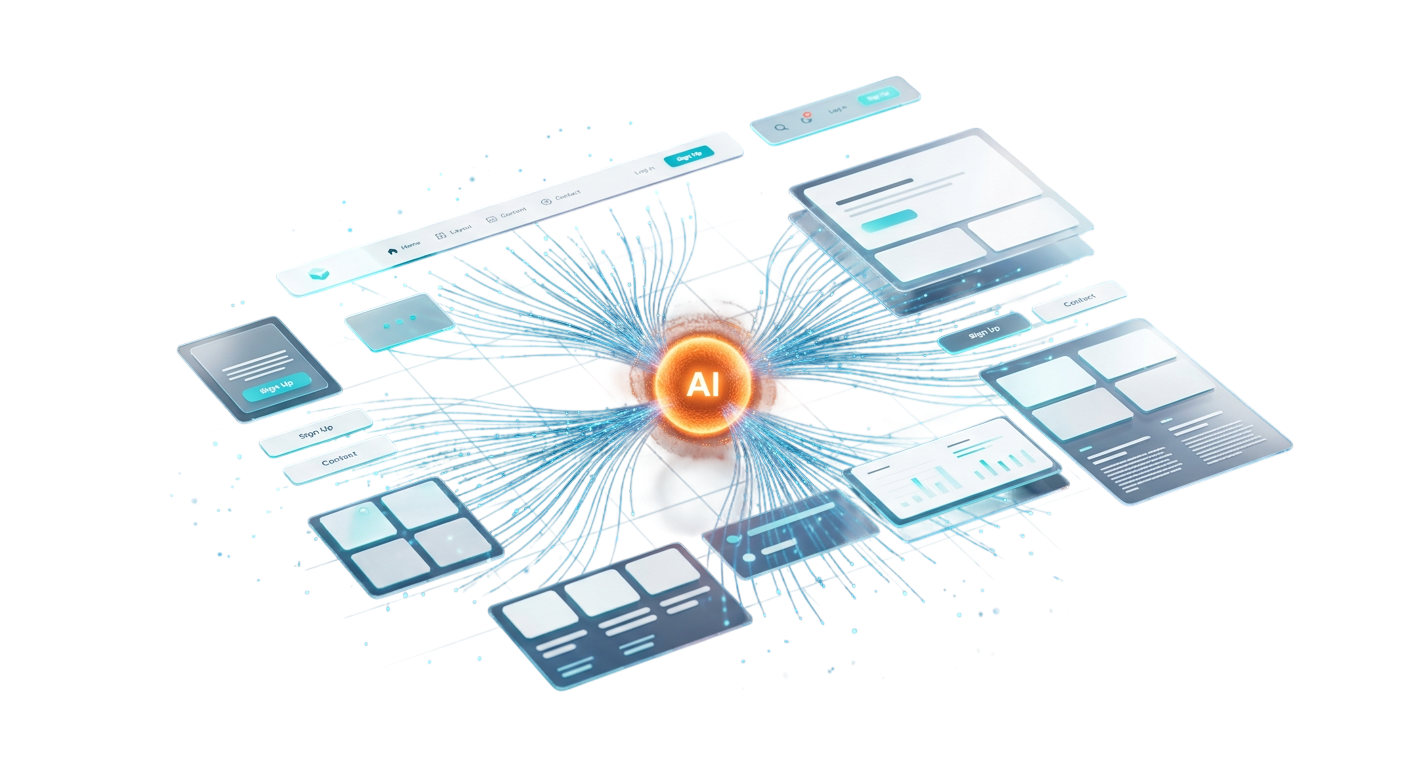
Tinker is an AI-powered web app builder that turns a plain-English description into a fully working web app in a single pass — complete with a live preview, a real multi-file project tree, and a genuine in-browser database. It is built for client delivery: rather than handing back a snippet to copy and paste, Tinker produces a coherent, runnable application — schema, backend, and frontend that actually agree with one another — that the user can preview and iterate on immediately, with nothing to install and no server to deploy.
Most “AI app generators” stop at a code snippet or a static mock-up, leaving the hard, unglamorous work — wiring a database, a backend, and a frontend together so they actually run — to the user. Tinker’s goal was the opposite: generate a coherent full stack in which the SQL schema, the API, and the UI are consistent with each other, make the model’s output reliably parseable into real files, and then give those files a real runtime the instant they are produced — all inside the browser, with no build step and no infrastructure to provision.
- 01
Intent is matched to a skill
When a request comes in, a matchSkill router inspects the user’s intent and selects the right markdown skill file — fullstack-app for anything data-driven, or a lighter static / dynamic skill otherwise. The chosen skill file tailors the exact prompt template sent to Claude, so a request for an expense tracker is handled very differently from a request for a landing page.
- 02
Claude generates in a fixed, parseable order
The Claude API generates the app as a single structured document in a strict sequence: first the SQL schema (wrapped in SCHEMA markers), then each backend file in turn — server/main.py, server/models.py, server/database.py, and requirements.txt, each delimited by BACKEND markers — and finally the complete HTML document with sql.js embedded. Because the order and delimiters are fixed, the output is deterministic to parse rather than guesswork.
- 03
Output is split into a real file tree
Tinker parses those delimited sections into individual files and lays them out in the Builder’s file tree, each with per-language syntax highlighting (sql, py, html, md). For full-stack generations a dedicated “Database” tab appears, surfacing the schema and the backend files under a server/ folder so the project reads like a real repository, not a single blob of code.
- 04
The app runs instantly in the browser
The generated HTML renders in a sandboxed iframe and executes immediately — sql.js boots a real SQLite database compiled to WebAssembly, Chart.js draws its charts from that live data, and state persists to localStorage (DB.export → base64). The result is a working, data-backed app the user can use and refresh to re-run, with no rebuild step and no server behind it.
Natural language to a complete app
A user describes what they want in ordinary English and Tinker returns a complete, runnable single-file web app — not a fragment. There is no boilerplate to fill in, no scaffolding to wire up, and no environment to configure before it works.
Live sandboxed preview
The generated app renders instantly inside a sandboxed iframe, isolated from the Builder itself, so it can run untrusted generated code safely. A refresh re-runs the app from scratch with no rebuild or redeploy step in between, keeping the edit-and-see loop tight.
True full-stack generation
For data-heavy requests — dashboards, inventory systems, HR tools, expense trackers — Tinker generates the whole stack in one shot: a SQL schema with CREATE TABLE statements and realistic sample INSERT data, a FastAPI backend (main.py, models.py, database.py, requirements.txt), and a frontend already wired to sql.js CRUD operations and Chart.js visualisations. The three layers are generated to match, so the app is coherent end to end.
Database tab & project structure
Once a full-stack app is generated, a “Database” tab appears in the Builder UI exposing the SQL schema, and the backend files are organised under a server/ folder inside the file tree. It turns an AI generation into something that reads and navigates like a real project rather than a wall of code.
Multi-file tree with syntax highlighting
Every generated artefact — the HTML, each server/*.py file, requirements.txt — is listed in a browsable file tree with highlighting tuned per language (sql, py, html, md). Users can inspect exactly what was produced, file by file, instead of trusting an opaque result.
Skill-based prompt routing
Rather than one monolithic prompt, Tinker uses markdown skill files that specialise the AI’s behaviour by intent. The fullstack-app skill wins on data and database requests, while separate static and dynamic skills handle apps with or without a backend — and because skills are just markdown, the routing can be extended without touching application code.
FastAPI backend
The builder’s own backend is Python 3 with FastAPI, using SQLAlchemy as the ORM and Pydantic for data validation and models, served over the Uvicorn ASGI server. Markdown skill files sit alongside it and drive how each incoming request is turned into an AI prompt.
React 19 + Vite frontend
The Builder UI is a React 19 application bundled with Vite, written in modern ES-module JavaScript. It deliberately avoids a heavy UI framework in favour of a lean custom design system, keeping the interface fast and fully under the team’s control.
Claude as the generation engine
Anthropic’s Claude API is the code-generation engine at the core of Tinker. A matchSkill router chooses the right prompt template for the request, and the structured, delimiter-based output contract is what lets a single model response be reliably decomposed into a schema, backend files, and a frontend.
Server-free generated runtime
Generated apps carry their own runtime entirely in the browser: sql.js (SQLite compiled to WebAssembly) provides a genuine relational database, Chart.js renders directly from that in-browser data, and persistence is handled by exporting the database to base64 in localStorage. Nothing about a generated app needs an additional server to run — which is what makes instant preview and easy client hand-off possible.
Have a project like this?
Tell us what you're building — thirty minutes with an engineer, not a salesperson.